Next.js, Webflow, Shopify or WordPress: choosing a stack for the business you are becoming
The short answer
Choose the stack by what your website must do over the next few years, who will edit it, and what it must connect to. Shopify suits businesses that sell products online; Webflow suits marketing sites edited by non-developers; WordPress suits content-heavy sites with a large plugin ecosystem; Next.js suits custom, interactive or multi-region sites that need full control.
On this page
- The short answer
- How do you choose a tech stack for a business website?
- When is Shopify the right choice?
- When is Webflow the right choice?
- When is WordPress the right choice?
- When is Next.js the right choice?
- What hidden costs should you consider for each stack?
- What about multi-region sites for India, the UAE and the UK?
- Who should make the stack decision?
- What to do next
- What to take away
- Questions, answered
Platform debates online are usually tribal. One camp says WordPress is outdated, another says Webflow is too limited, a third says everything should be custom code. None of them know your business.
The right stack depends on what your website must do, who will run it, and what your business is becoming. Decide those first. The platform choice then tends to make itself.
How do you choose a tech stack for a business website?
Start with four questions: what must the site do, who will edit it day to day, what must it connect to, and where is the business heading in the next two to three years. Match the platform to those answers rather than to trends. A stack chosen for today's business often becomes tomorrow's rebuild.
This is the passage we come back to in every stack decision. The question is never "which platform is best?" in the abstract, because each of the four common choices is excellent at something and poor at something else. The question is which set of trade-offs suits your business. A clinic group that will add five locations needs a structure that scales by location. A brand that will start selling online needs commerce that does not feel bolted on. A firm with a marketing team that updates pages weekly needs editing that does not wait for a developer. A business entering Dubai needs bilingual pages, including right-to-left Arabic layouts. Write these needs down, rank them, and then test each platform against them honestly. That page of needs is more valuable than any comparison table, including the one below, because it describes your business rather than a generic one.
From business needs to a stack
- What it must do: Sell, inform, book, integrate
- Who edits: Marketing team, founder or developers
- What it connects to: CRM, payments, WhatsApp, booking
- Where you are heading: Markets, languages, products
- Choose the stack: Written decision with trade-offs
When is Shopify the right choice?
Shopify is the right choice when selling products online is central to the business. It handles catalogue, checkout, payments, inventory and order management reliably, so you spend your effort on products and marketing rather than on commerce infrastructure. It is less suited to sites where selling is incidental.
Strengths: mature checkout, a large app ecosystem, and a hosted platform you do not have to maintain at server level. Considerations: ongoing subscription and app costs, some limits on deep customisation, and content-heavy marketing pages that may need extra work. For brands selling in India, the UAE and the UK, check payment gateway, currency and tax display options for each market early.
When is Webflow the right choice?
Webflow is the right choice for marketing and brand sites that a non-technical team will update often, where visual quality matters and the site does not need complex application features. It produces clean front-end code and lets designers and marketers edit pages without a developer for most changes.
Strengths: visual editing, a built-in CMS for blogs and listings, hosting included, and good default performance. Considerations: complex logic, heavy integrations and large multilingual setups can stretch it, and you work within its hosting and pricing model. It suits many service businesses whose site is primarily a sales and information tool.
When is WordPress the right choice?
WordPress is the right choice for content-heavy sites, teams already familiar with it, and projects that benefit from its very large plugin and developer ecosystem. It is flexible and widely supported, but it needs disciplined maintenance: lean themes, few plugins and regular updates.
Strengths: mature content editing, a huge range of extensions, and wide availability of developers in every market. Considerations: plugin overload and poorly built themes are common causes of slow, insecure sites. If you choose WordPress, choose maintenance at the same time. Our guide to Core Web Vitals covers the performance side.
When is Next.js the right choice?
Next.js is the right choice for custom, interactive or integrated sites: complex product or programme catalogues, interactive tools, application-like features, multi-region and multilingual structures, or sites that need full control over performance and markup. It usually pairs with a headless CMS so your team can still edit content.
Strengths: full control, strong performance when built well, server rendering that keeps content visible to search engines and AI crawlers, and the ability to grow into an application. Considerations: developers are needed for structural changes, and hosting and maintenance must be planned.
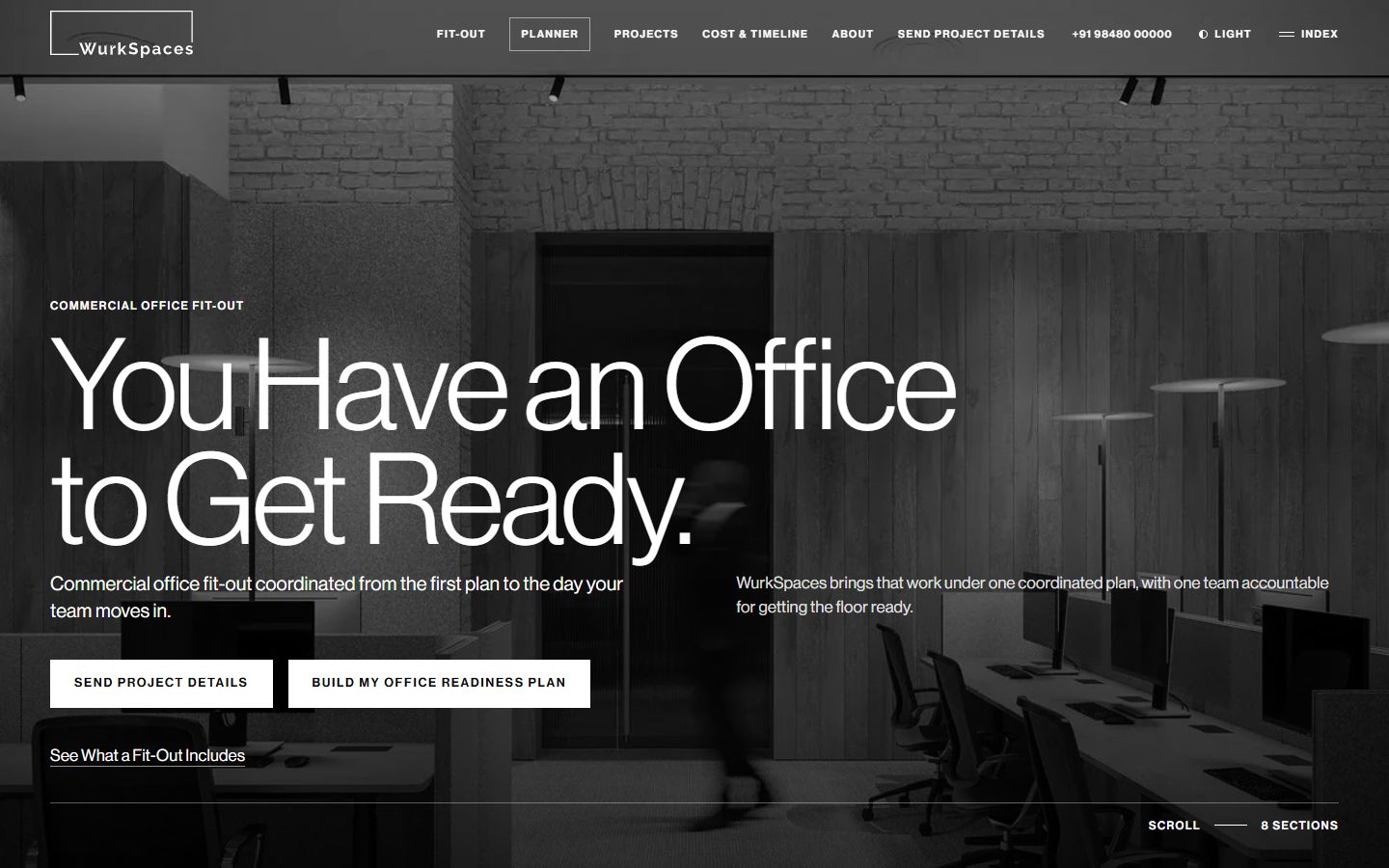
Several of our builds use Next.js for these reasons. Chanakya needed a filterable catalogue of seven programmes and a published fees table. WurkSpaces needed an interactive floor model where picking a system highlights its part of the floor, operable by keyboard as well as touch. Neither would have been comfortable on a template platform.
Four platforms, four strengths
Shopify and Webflow:
- Shopify: product catalogue and checkout
- Shopify: hosted, low server upkeep
- Webflow: visual editing for marketers
- Webflow: polished brand and service sites
- Both: subscription-based hosting
WordPress and Next.js:
- WordPress: content-heavy sites
- WordPress: very large plugin ecosystem
- WordPress: needs disciplined maintenance
- Next.js: custom, interactive, integrated
- Next.js: multi-region and full control
What hidden costs should you consider for each stack?
Every platform has costs beyond the build: subscriptions and apps, hosting, maintenance and security updates, developer time for changes, and the cost of moving away later. Compare the total over two or three years, not the launch quote. A cheap build on an unsuitable platform is often the most expensive option.
Questions to ask for each candidate:
- Subscriptions. What does the platform charge, and which paid apps or plugins will you realistically need?
- Hosting. Is it included, or will you need to arrange and maintain it?
- Updates. Who applies security and platform updates, and how often?
- Changes. Which everyday changes can your team make, and which need a developer?
- Exit. If you outgrow it, can you export content and keep your URLs and data?
- People. Can you find developers for it in your market at a reasonable rate?
The answers differ by business. A team with an in-house marketer might save more by choosing Webflow than any hosting saving elsewhere. A business with complex integrations might find that working around a template platform costs more over time than a custom Next.js build. Write the totals down, and the decision becomes clearer.
What about multi-region sites for India, the UAE and the UK?
If you serve more than one market, plan the structure before choosing the platform: separate location pages or regional sections, hreflang where languages or regions differ, local contact routes such as WhatsApp for India and the UAE, currency and tax display, and data protection notices for each market.
Arabic and English sites for Dubai need right-to-left layouts that are designed, not just mirrored. UK buyers expect accessibility and clear privacy information under UK GDPR. These requirements can rule platforms in or out. Our guide to international SEO across India, the UAE and the UK covers the search side.
Who should make the stack decision?
The business owner should make it, advised by someone without a stake in a particular platform. Agencies often recommend the platform they know best, which is understandable but not always right for you. Ask for the reasons in writing, including what the choice makes harder.
If you lack that independent view, a fractional CTO or an advisory call through our tech consultancy can provide it. We build on all four platforms, so we have no reason to push one.
What to do next
Write one page answering the four questions above: what the site must do, who edits it, what it connects to and where the business is heading. Rank the needs. Then hold each platform up against the top three.
If the answer is still unclear, book a call and we will put a recommendation in writing, with the trade-offs stated.
What to take away
- Decide what the site must do before choosing how to build it.
- Shopify for selling products, Webflow for editable marketing sites.
- WordPress for content-heavy sites with careful maintenance.
- Next.js for custom, interactive, integrated or multi-region builds.
- Plan for who edits, who maintains and what you will connect next.
Built on Intent studio. A founder-led studio in India that plans and builds websites, search and AI visibility, and AI systems for businesses in India, the UAE and the UK. Reviewed by [Founder name], founder. We do not publish invented numbers; where a figure appears, its source is named in the sentence.
How the studio works